



Grocery bills are already high enough, but a new, AI-powered browser extension called Cart Happy says it can help — by doing the price-comparison work for you.
Most of us pick a grocery store and stick with it. Maysville shopper Cassidee Atley said she does exactly that.
"Groceries, I just pick one place and go," Atley said. "I don't like to do multiple places."
For Brittalia Jones, a full-time working mother of four, the reason is the same — there just isn't time.
Jones said her family of six spends between $600 and $800 a month on groceries.
"It's definitely closer to the $800 side," Jones said.
What is Cart Happy?
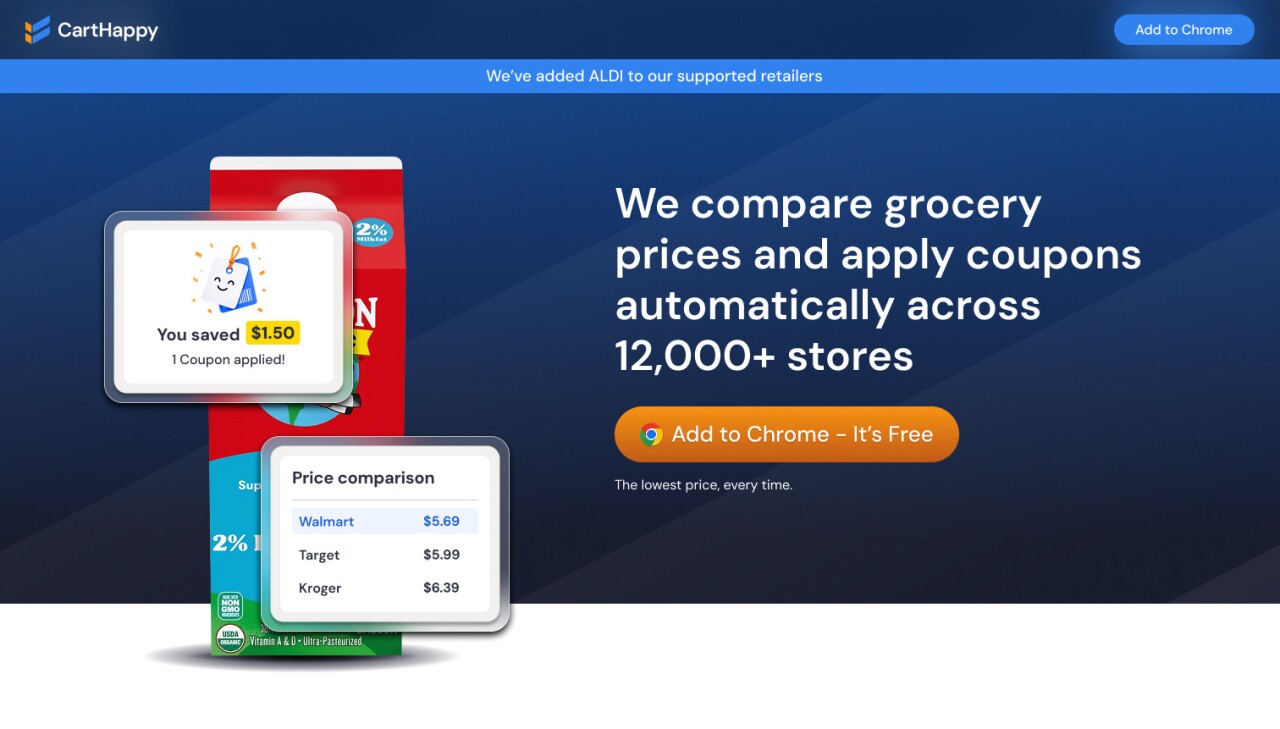
Cart Happy is a free, AI-powered browser extension that compares grocery prices across stores so you don't have to.
In the Tri-State area, it automatically compares prices at:
- Walmart
- Kroger
- Target
- Costco
- IGA
- Aldi
It also automatically clips coupons at participating stores.
Cart Happy founder John Laramie said early user feedback has been strong, with shoppers saving an average of more than 18% on their grocery bills.
Putting it to the test
Watch below to see how the tool works:
I tested Cart Happy to see how it works and if it could actually help you save.
Test 1: Splitting the cart
I built a grocery cart as if placing a pickup order. Cart Happy scanned my items and compared prices at competing stores.
Here's what it found:
- I could save $13.25 by splitting my pickup between Kroger and Walmart
- Cart Happy automatically built a second basket at Walmart with the cheaper items
- 11 Kroger coupons were clipped automatically — no extra steps required
Test 2: When one store wins
Another one of Cart Happy's most useful features: it tells you when splitting your trip isn't worth it.
In a second test with a different set of items, Cart Happy determined that Aldi was already the best option. I was already getting the lowest prices available — no extra stop needed.
How to use Cart Happy
Step 1 — Install the extension: Download and install Cart Happy as a browser extension on your computer.
Step 2 — Shop as normal: Visit your preferred grocery store's website — like Kroger or Walmart — and add items to your cart as if placing a pickup or delivery order.
Step 3 — Let Cart Happy scan: Once your cart is built, Cart Happy automatically scans your items and compares prices at competing local stores.
Step 4 — Review your savings: Cart Happy shows you exactly where each item is cheapest and recommends whether to stick with one store or split your order.
Step 5 — Build your second basket automatically: If splitting makes sense, Cart Happy builds a second cart at the lower-priced store for you — no manual work required.
Step 6 — Clip coupons automatically: Cart Happy clips available coupons at participating stores, adding to your total savings.
Step 7 — Decide and shop: Cart Happy tells you whether the savings justify a second stop. If one store is already your best bet, it will tell you that too.
Savings will vary based on your cart, location, and participating stores in your area.
This story was reported on-air by a journalist and has been converted to this platform with the assistance of AI. Our editorial team verifies all reporting on all platforms for fairness and accuracy.
"Don't Waste Your Money" is a registered trademark of Scripps Media, Inc. ("Scripps").
Follow John:
- Facebook: John Matarese Money
- Instagram: @johnmataresemoney
- X/Twitter: @JohnMatarese
Follow Taylor:
- Facebook: Taylor Nimmo
- Instagram: @tnimms
- X/Twitter: @tnimms
For more consumer news and money saving advice, go to www.dontwasteyourmoney.com
